It was just last month when a small bakery owner from Brooklyn reached out to us, her voice tinged with both hope and frustration. Despite having the best croissants in town, her Google Business Profile was not painting the right picture. The few reviews she had collected were positive but sparse, and her business was drowning in the search results. This scenario is not uncommon. Many business owners, like our Brooklyn baker, find themselves struggling to leverage their Google Business Profile (GBP) effectively. In a digital age where 87% of consumers read online reviews before making purchasing decisions, according to a study by BrightLocal, optimizing your GBP for better reviews is crucial. From my experience working with hundreds of businesses over the years, I've learned that a well-managed profile can significantly enhance a company's online presence and customer trust.
In this article, we'll delve into the art and science of optimizing your Google Business Profile to attract better reviews. Our team, with over a decade in reputation management, understands the intricate algorithms and consumer behavior patterns that drive this digital landscape. You'll learn actionable strategies that can be implemented immediately to enhance your business’s visibility and credibility. We'll also explore how to manage reviews effectively, ensuring that your business embodies trustworthiness in the eyes of both Google and your prospective customers. So, if you're looking to transform your business’s online reputation, read on as we uncover the steps to GBP optimization.
Understanding the Importance of Google Business Profile
Google Business Profile (formerly known as Google My Business) serves as the digital storefront for your business on the world’s most popular search engine. It provides potential customers with essential information such as location, hours of operation, contact details, and most importantly, customer reviews. Think of it as a first impression; a well-optimized profile can significantly impact a potential customer's decision to engage with your business. According to Google's own documentation, businesses that verify their information with Google have twice the chances of being considered reputable by consumers.
In practice, maintaining an active and accurate GBP is not just about populating it with basic information but involves strategic management. From my experience, even small details like choosing the right business categories can influence how Google ranks and displays your profile. Moreover, Google’s Prohibited and Restricted Content policy outlines guidelines ensuring that your profile content aligns with their standards, maintaining authenticity and trustworthiness. This is critical because a violation could not only diminish your profile’s visibility but also lead to potential penalties.
When optimizing your Google Business Profile, consider it a dynamic space that needs regular attention. From uploading high-quality images to crafting engaging descriptions, each element contributes to how users perceive your business. It’s also important to note that Google’s algorithms favor profiles that show consistent activity, such as new reviews and updated information, which can be pivotal in improving your search rankings.
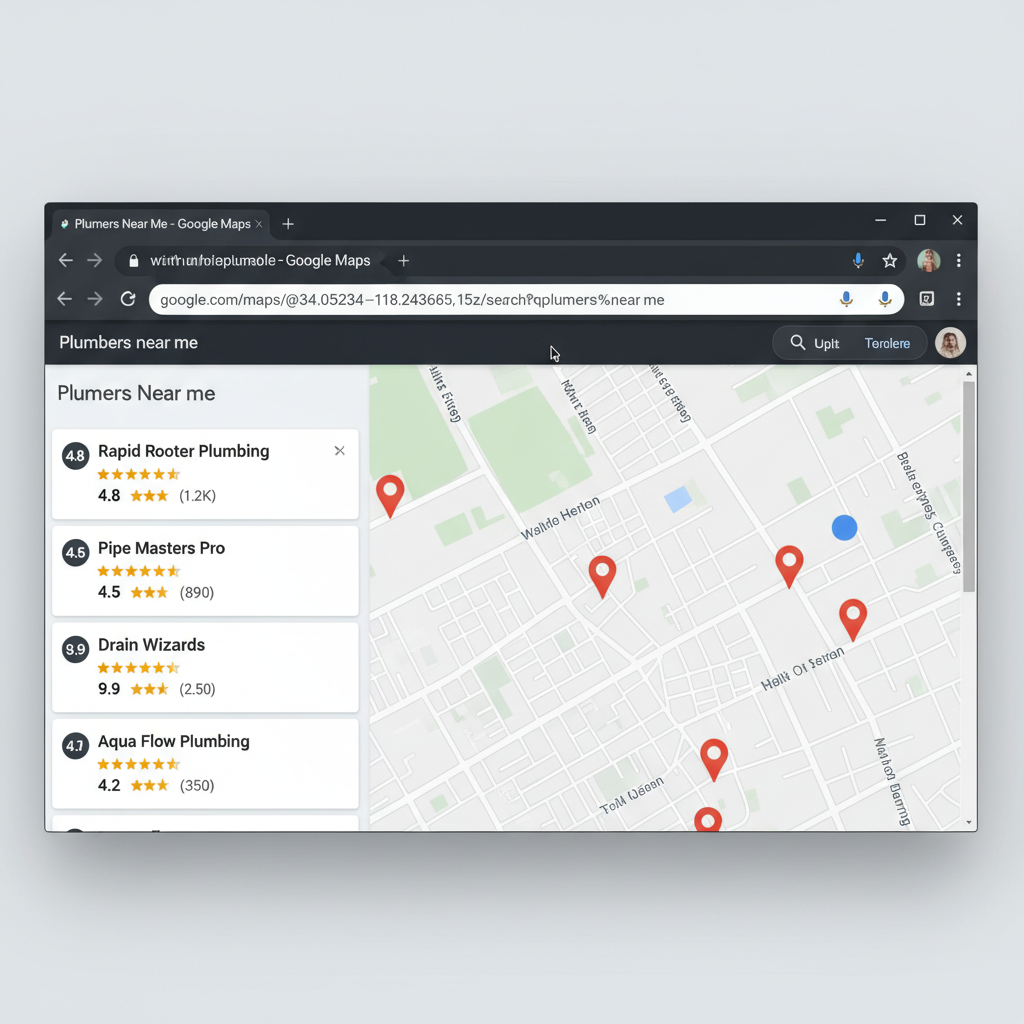
Google Maps search results showing local business ratings - Google Business Profile Optimization for Better Reviews
Steps to Optimize Your Google Business Profile
Optimizing your Google Business Profile involves a series of strategic steps designed to enhance visibility and encourage positive customer interactions. From my extensive experience, I can say that the devil is in the details. Each aspect of your profile should work in harmony to create a cohesive and attractive presence.
1. Complete and Verify Your Profile
The first step to a robust GBP is ensuring that your profile is complete and verified. Google gives priority to verified profiles, so make sure to claim your business listing and complete all necessary fields. This includes your business name, address, phone number, and website, commonly referred to as NAP+W. Consistency across all online platforms is crucial, as discrepancies can confuse both customers and search engines, impacting your local search rankings.
2. Leverage High-Quality Images
Visual appeal is a powerful tool in attracting customers. Ensure that your profile features high-quality images that accurately represent your business. According to Google, businesses with photos receive 42% more requests for directions and 35% more click-throughs to their websites than those without. Regularly update your images to reflect changes in your offerings or ambiance, which helps keep your profile fresh and inviting.
3. Encourage and Manage Reviews
Encouraging satisfied customers to leave positive reviews is a vital aspect of GBP optimization. From my experience, businesses that actively manage their reviews by responding to them—both positive and negative—tend to cultivate a more trustworthy image. Google’s guidelines emphasize the importance of responding promptly and professionally to reviews, which not only shows potential customers that you value feedback but also contributes to higher engagement and improved local rankings.
4. Utilize Google Posts
Google Posts is an underutilized feature that can significantly enhance your profile’s dynamism. By posting updates about promotions, events, or new products, you keep your audience informed and engaged. Not only do these posts appear in search results alongside your profile, but they also provide an opportunity to showcase your business’s personality and unique selling points. Regular posting signals to Google that your business is active, which can positively influence your rankings.
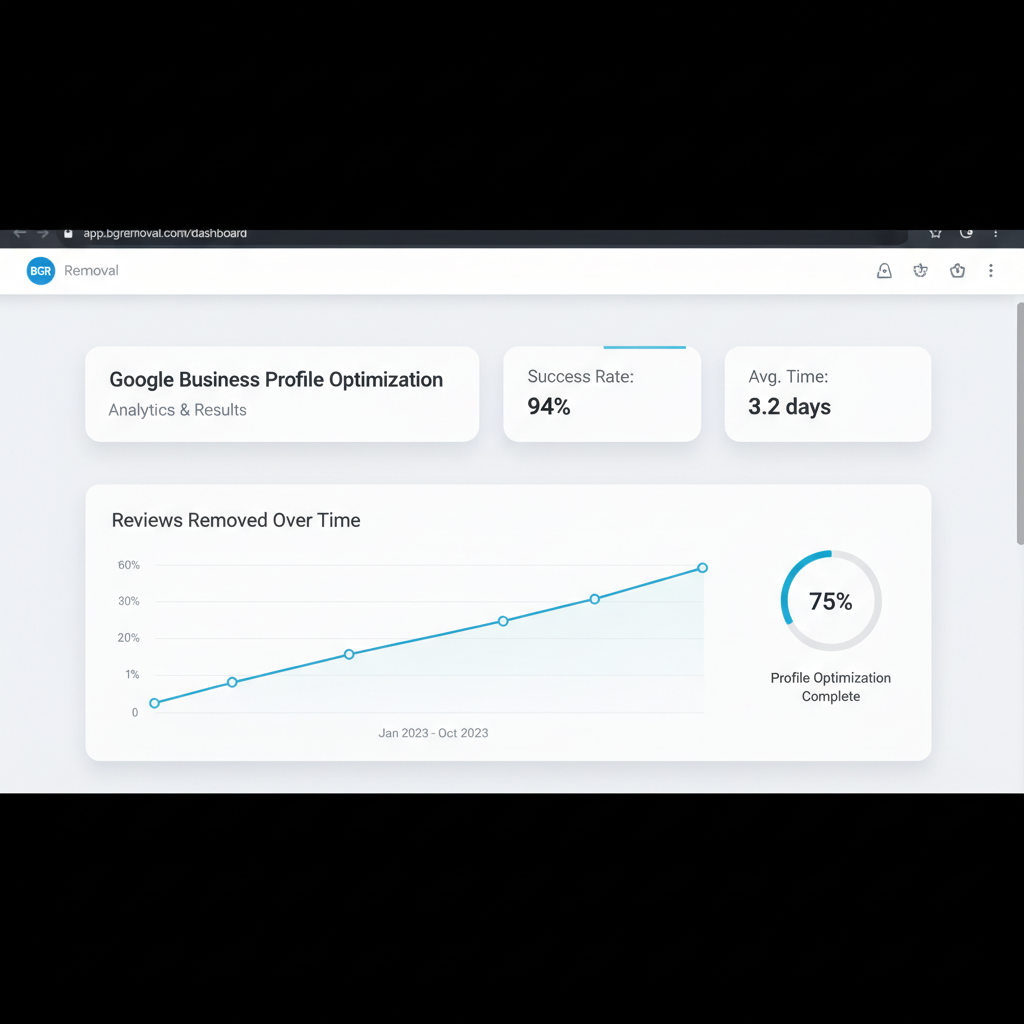
Dashboard showing review removal results and success metrics - Google Business Profile Optimization for Better Reviews
Managing Customer Reviews Effectively
Handling reviews is as much an art as it is a science. I recall a case where a client, a boutique hotel in Miami, transformed their online reputation by implementing a structured review management strategy. They diligently responded to every review, thanked customers for their feedback, and addressed concerns swiftly and professionally. This not only improved their overall rating but also demonstrated to potential guests their commitment to customer satisfaction.
Managing reviews effectively begins with acknowledgment. Whether the review is positive or negative, acknowledging the customer’s effort in providing feedback is crucial. Crafting thoughtful responses to reviews can demonstrate your commitment to quality and customer service. For negative reviews, a prompt and empathetic response can often turn a dissatisfied customer into a loyal one, showcasing your business’s dedication to resolving issues.
Moreover, monitoring reviews for authenticity is important. If you suspect a review is fake or violates Google’s policies, it’s essential to report it. You can learn more about reporting fake reviews in our fake review removal guide. Google’s Prohibited and Restricted Content policy provides detailed instructions on how to flag inappropriate content, which can help maintain the integrity of your online presence.
Utilizing Data and Analytics for Continuous Improvement
Google provides a suite of analytical tools that can offer valuable insights into your GBP’s performance. The dashboard allows you to track how customers are finding you, what actions they’re taking, and which aspects of your profile are attracting the most attention. From my experience, regularly reviewing these insights can help identify areas for improvement and guide your optimization efforts.
For instance, analyzing search queries that lead customers to your GBP can reveal keywords you might not have considered targeting. Understanding customer behavior—such as which images or posts garner the most engagement—can also inform your content strategy. By leveraging these insights, you can adapt your GBP to better align with customer expectations and preferences, ultimately driving more traffic and engagement.
Additionally, using feedback from reviews to inform your business practices can create a cycle of continuous improvement. Customers appreciate businesses that listen, and their feedback can be a goldmine of information regarding what is working and what needs adjustment. Regularly updating your business practices in response to customer feedback can enhance your service quality and foster loyalty.
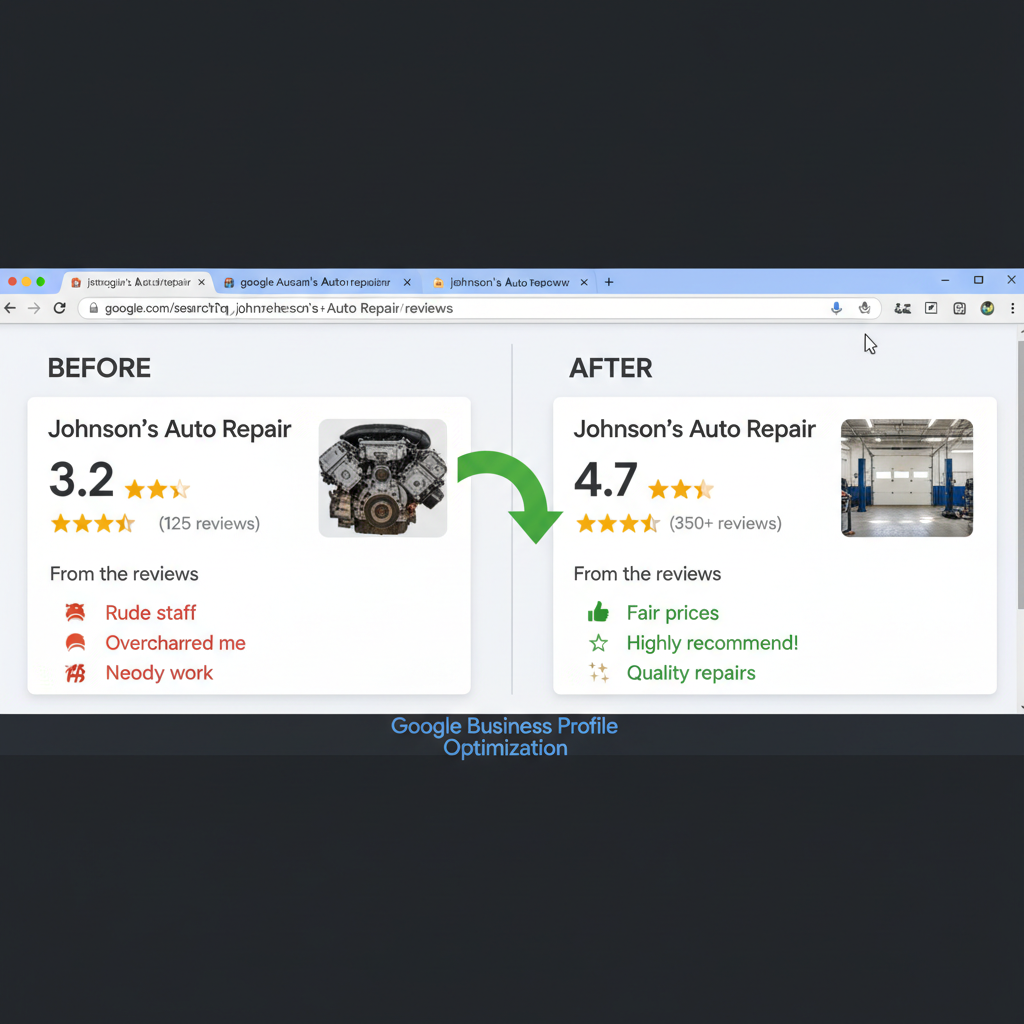
Before and after comparison showing improved business ratings - Google Business Profile Optimization for Better Reviews
Frequently Asked Questions
How often should I update my Google Business Profile?
It’s recommended to update your Google Business Profile at least once a month. Regular updates keep your profile fresh and signal to Google that your business is active, which can positively impact your local search rankings.
What are Google Posts, and how do they help?
Google Posts are updates that appear on your Google Business Profile. They can feature promotions, events, or news about your business. These posts engage customers and provide fresh content for Google, which can improve your GBP’s visibility.
How can I encourage more customer reviews?
Encouraging more customer reviews can be achieved by providing exceptional service and asking satisfied customers to share their experiences online. Consider integrating review requests into your sales process and providing simple instructions for leaving reviews.
What should I do if I receive a negative review?
Respond promptly and professionally to negative reviews. Acknowledge the customer’s concerns, offer a solution, and invite them to discuss the matter further offline if necessary. Demonstrating a commitment to resolving issues can turn a negative experience into a positive one.
Can I remove fake reviews from my profile?
Yes, you can report fake reviews to Google if they violate Google’s review policies. It's important to follow the appropriate procedures outlined in Google’s guidelines. For more detailed assistance, consider our fake review removal services.
Does responding to reviews affect my Google ranking?
Yes, responding to reviews can influence your Google ranking. Engaging with customers by responding to reviews shows Google that your business is active and values customer interaction, which can contribute to improved local search rankings.
What analytics are available for Google Business Profile?
Google provides insights into how customers find your business, what actions they take, and the performance of your profile. These analytics can guide your optimization strategy by highlighting areas of strength and opportunities for improvement.
Optimizing your Google Business Profile is an ongoing process that requires attention to detail and a proactive approach. By fully completing your profile, actively managing reviews, and utilizing Google’s tools, you can enhance your business’s online presence and build a reputation that resonates with customers. Remember, in today’s digital-first world, your GBP is often the first impression potential customers have of your business. Make it count. For personalized assistance in transforming your profile, contact our team for a consultation.